
Audio Mastering: The Complete Guide for Musicians
What is audio mastering and how does it work? Learn everything about the final step of music production: costs, tools, differences with mixing, and how to choose a mastering engineer.
Author
HAT Editorial
Published on
Reading time
9'
Audio mastering is the final link in the music production chain — and one of the most misunderstood. Many independent artists confuse it with mixing, others skip it to save money, and some pay hundreds of euros without truly knowing what they're buying. Yet it's the step that transforms a home mix into a track ready for Spotify, Apple Music, and radio.
This guide covers everything a musician or producer should know about audio mastering: what it actually is, how it works, what it costs in 2026, which tools are used, and how to choose the right service for your release.
What is audio mastering?
Mastering is the final processing stage of a musical track, in which the final mix (an already balanced stereo file) is refined to achieve maximum sonic quality and meet the technical standards of distribution platforms.
The mastering engineer works on the mix like a photograph that's already been taken: they can't change the composition, but they can adjust contrast, brightness, colour, and sharpness. Their responsibilities include:
- Balancing the frequency spectrum (lows, mids, highs) so the track sounds good on any device — from Bluetooth earbuds to a car stereo
- Controlling dynamics with compression and limiting to reach the competitive loudness level required by platforms
- Creating album cohesion: for an EP or LP, mastering ensures sonic consistency across tracks
- Preparing files for distribution, with correct metadata, required formats (WAV 16bit/44.1kHz for CD and streaming, 24bit/48kHz for hi-res) and ISRC codes
Mixing vs mastering: what's the difference?
It's the question everyone asks — and the answer matters.
Mixing is the process in which an engineer works on the multitrack session: balancing individual instruments (drums, bass, vocals, guitars), applying effects, creating stereo space, and producing a final stereo file called the "mix".
Mastering starts from that stereo file and works on the track as a whole. The mastering engineer has no access to individual tracks — only to the overall image.
A practical example: if the vocal is too low in the mix, only the mixing engineer can fix it (they have access to the vocal channel). The mastering engineer can raise the mid frequencies slightly where the vocal lives, but can't isolate it.
That's why it's essential to deliver a strong mix to mastering. Mastering can't save a bad mix.
How the mastering process works
A typical mastering workflow follows these phases:
1. Critical listening analysis
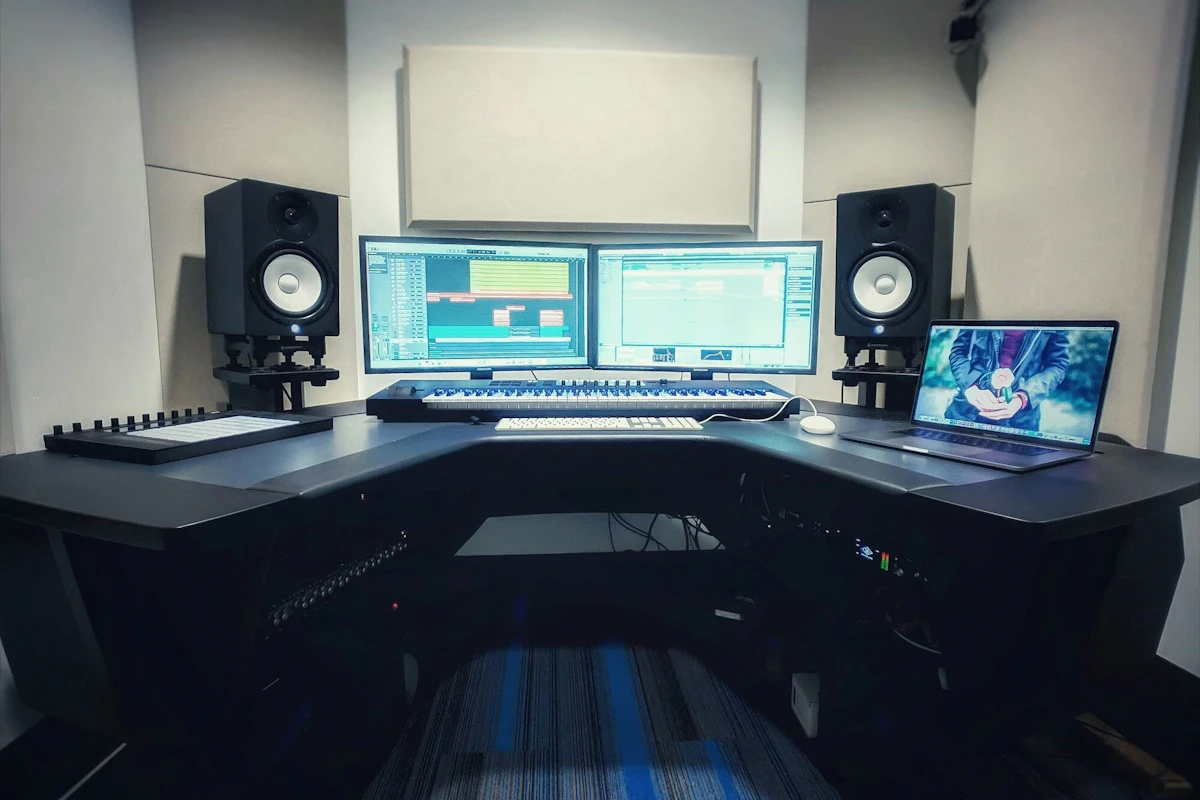
The mastering engineer listens on professional monitoring systems (studio monitors in an acoustically treated room) and assesses tonal balance, dynamics, stereo image, and any issues (distortion, resonance, noise).
2. Equalisation
Using high-end EQs (often analogue, like the Manley Massive Passive or Maselec MEA-2, or equivalent plugins like Pro-Q 4 or DMG Equilibrium), the engineer corrects tonal imbalances and enhances key frequencies.
3. Compression
Light, musical compression (Shadow Hills, Manley Vari-Mu, or plugins like Pro-C 2) "glues" the mix together, making it more cohesive and present.
4. Saturation and colour
Analogue saturators or digital emulations add harmonics that make the sound warmer, richer, and more musical. It's one of the secrets of professional mastering.
5. Final limiting (loudness)
A limiter (like the Waves L2, Pro-L 2, or iZotope Ozone Maximizer) raises the overall level to the target loudness (typically -14 LUFS for Spotify, -16 LUFS for Apple Music Podcast, -9 LUFS for dance/EDM streaming).
6. Export and delivery
The track is exported in multiple formats: WAV 16bit/44.1kHz for standard platforms, WAV 24bit/48kHz for hi-res, MP3 320kbps for previews. Each file includes ISRC metadata, title, artist, and often a "DDP" version for CD replication.
How much does audio mastering cost in 2026?
Mastering costs vary based on quality and service type:
Automatic AI mastering
- LANDR, CloudBounce, eMastered: £5–15 per track
- Good for demos or fast releases, lacks the human touch
- Only recommended when budget is minimal
Professional online mastering (human engineer)
- Mastering Lab, Abbey Road Online, Sterling Sound Online: £50–300 per track
- Includes revisions and personal attention
- Ideal quality/price balance for independent artists
In-studio mastering with a dedicated engineer
- UK independent studios: £100–250 per track
- Top international studios (Sterling Sound, Bob Ludwig, Joe LaPorta): £400–1,500 per track
- Highest quality, recommended for flagship albums
Analogue "outboard" mastering
- Uses analogue hardware (EQs, compressors, limiters)
- Typically 20–50% more expensive than digital mastering
- Favoured by many artists for its "warmth"
Practical tip: for your first indie single, £70–130 for a professional online master is a solid compromise. For a flagship album, investing in a dedicated engineer makes a real difference.
How to choose a mastering engineer
Not all engineers are equal. Key selection criteria:
Listen to their portfolio. Ask for examples on tracks similar to your genre. A trap-specialist engineer isn't the best fit for acoustic jazz.
Check the listening environment. A good mastering studio has reference monitors (Genelec, ATC, PMC, Focal), an auxiliary system (headphones, mid-field), and professionally treated acoustics.
Ask how many revisions are included. Professional services include at least 2–3 free revisions.
Verify deliverables. You should receive the mastered stereo file + optionally a DDP for CD + instrumental versions (if needed for sync or live performance).
Read contracts. Clarify who owns the rights to the mastered master (typically the artist keeps them, but get it in writing).
The most common mastering mistakes
Many independent artists make avoidable errors:
- Sending a "hot" mix: leave at least -6 dBFS of headroom. A mix already pushed to the limit makes mastering impossible.
- Asking for unrealistic loudness: don't ask the engineer to "make it sound like Travis Scott". Loudness depends heavily on genre and mix.
- Skipping mastering: releasing an unmastered mix means sounding quieter than other tracks on Spotify, losing quality on FM radio, and seeming amateur.
- Self-mastering your own mix: mixing and mastering at once kills objectivity. If you must, rest your ears for 24 hours, or better — let someone else master.
- Not supplying correct metadata: ISRC, release date, title, and artist name are essential for distribution.
Mastering for streaming: what changed
Streaming has changed mastering rules. Today platforms use loudness normalisation: every track is automatically adjusted to a target value so no track is significantly louder than others.
Main targets:
- Spotify: -14 LUFS (integrated)
- Apple Music: -16 LUFS
- Amazon Music: -14 LUFS
- Tidal: -14 LUFS
- YouTube: -14 LUFS
If your master is louder than these values, the platform will turn it down. If it's quieter, it stays (but often sounds less present). An experienced mastering engineer knows these targets and optimises accordingly.
Mastering for vinyl and CD
Physical releases have specific requirements:
Vinyl: needs a dedicated master with more dynamic range, mono bass control below 150 Hz, sibilance control, and maximum side length (around 22 minutes per side at 33 RPM for top quality).
CD: requires a DDP file or CUE sheet with ISRC, UPC, and ISO-9660 metadata. Every serious mastering studio produces this as standard.
Streaming: loudness targets and WAV 16bit/44.1kHz or 24bit/48kHz files.
Requesting three separate masters for a physical + streaming release is standard professional practice.
Audio mastering FAQ
Does automatic AI mastering really work?
Yes, for demos, fast releases, and zero-budget work. Tools like LANDR or iZotope Ozone 11 produce acceptable results, especially on pop/electronic genres. But they don't replace human ears on important productions.
How long does mastering a track take?
An experienced engineer typically spends 1–2 hours per track, plus revisions. "Express" services deliver in 24 hours; high-budget productions can take 1–2 weeks between delivery and revisions.
Can I master my own music?
Yes, if you have experience, a decent listening environment, and proper tools (FabFilter Pro-L 2, Pro-Q 4, iZotope Ozone 11). But mastering your own mix is harder because objectivity suffers. An external mastering engineer brings fresh ears.
What's the right loudness target for Spotify?
Spotify normalises to -14 LUFS integrated. Master louder and the platform turns it down. Many engineers today aim for -10/-12 LUFS so the track keeps "punch" even after normalisation.
What does "headroom" mean and why does it matter?
Headroom is the distance between the mix's peak level and clipping (0 dBFS). A mix should have at least -6 dBFS of headroom at handover, giving the engineer room to work. A mix with no headroom is already saturated and hard to treat.
Do I need to register the master with a PRO?
The master (specific recording) is automatically protected. You do need to register the composition with PRS for Music (UK) or your performing rights organisation (ASCAP/BMI in the US) for publishing royalties. They're two separate things.
🎵 Are you an independent artist or music industry professional? HAT Music offers the community, tools, and professionals you need to grow your project. Join the community →
Tags